PRODUCT TOUR

Every screen, on
both sides of the link.

What the person answering sees, and what you get back. Six questions takes them about four minutes; reviewing it takes you less than the call would have.

WHAT THEY SEE

Nobody has to get on a call.

Plenty of people do their best thinking without an audience — on both sides of the link. If booking a call, making the small talk and being “on” for thirty minutes is the part of research you quietly dread, everything below happens over a link instead, at whatever hour suits the person answering.

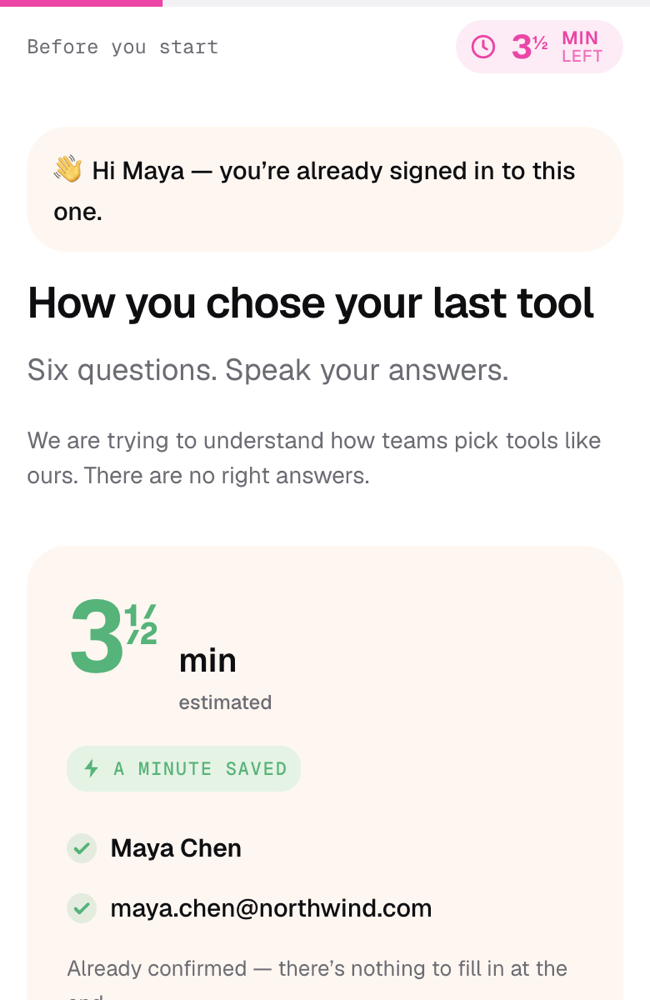
A survey opening screen greeting Maya by name, showing three and a half minutes estimated, a “a minute saved” badge, and her name and email already confirmed with green ticks.
ASK FOR FIVE MINUTES, MEAN IT

An estimate you can hold us to

Thirty seconds a question, counted down half a minute at a time as they go — not a hopeful “2 min” that turns into nine. A personalised link already knows who they are, so the contact form at the end disappears and the clock starts a minute lower. People finish what they can see the end of.
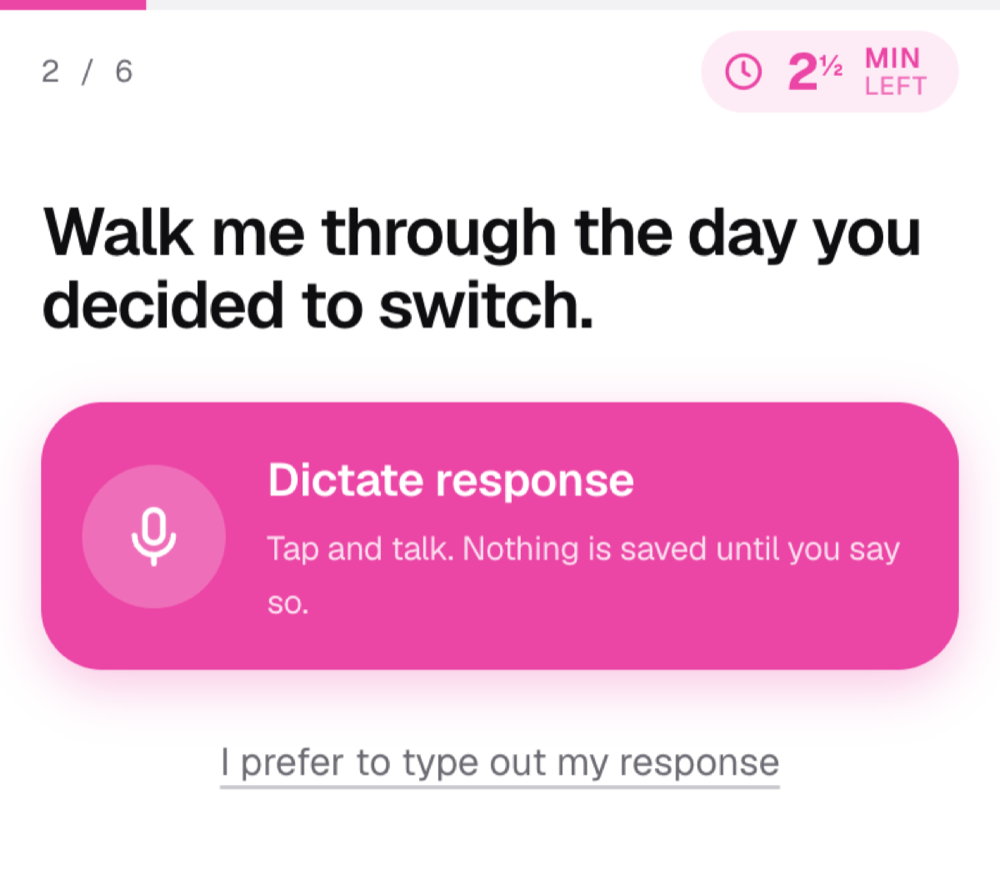
A survey question reading “Walk me through the day you decided to switch” above a large pink Dictate response button, with a quieter link to type instead.
RICHER ANSWERS

People say more than they will type

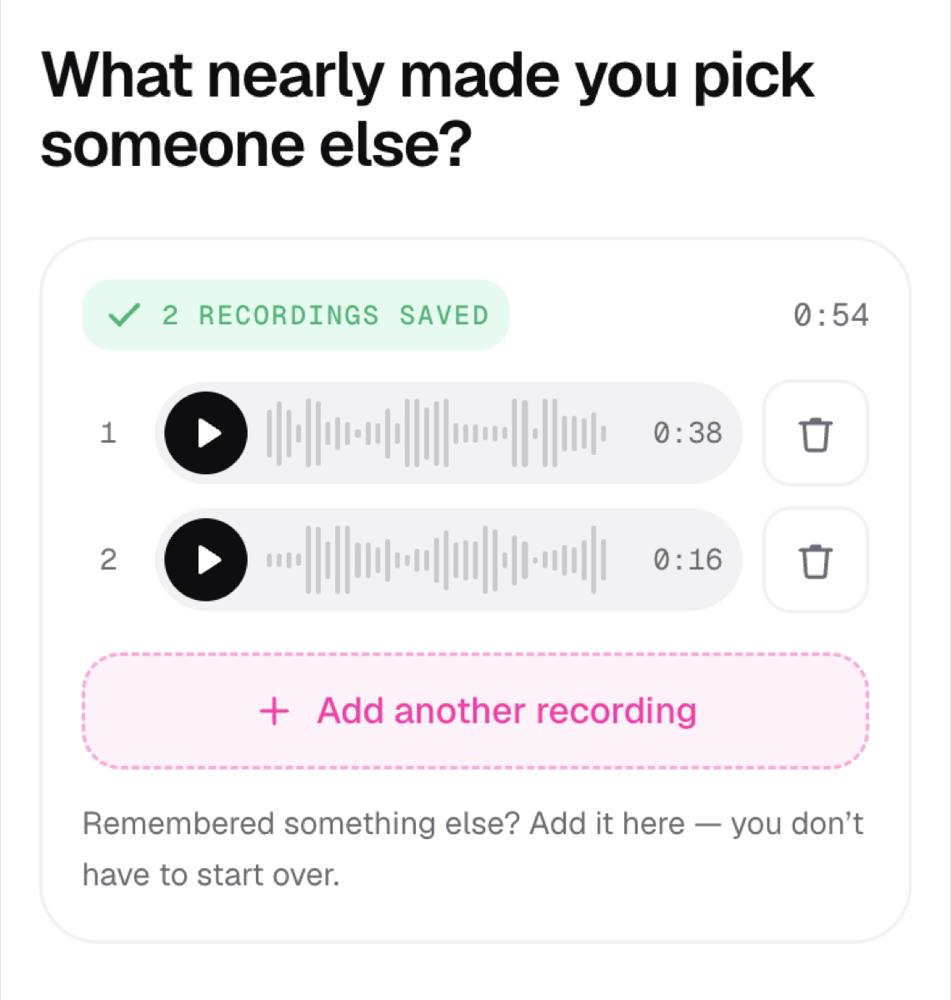
A text box is a filter. Most people write one flat sentence and move on. Hand the same person a microphone and they talk for forty seconds and give you the actual reason. No account, no app, no camera, nobody watching — they tap once and talk, alone in their kitchen if they like.

A question showing two saved recordings with waveforms, a “2 recordings saved” badge, and a button to add another recording.
SECOND THOUGHTS

The afterthought is usually the good part

Answers arrive the way voice notes do: one thought, then the thing they remembered on the way to the kettle. They add a second take rather than starting over, so you keep the sentence that opens “oh, and honestly…” — the one a single-shot form throws away.

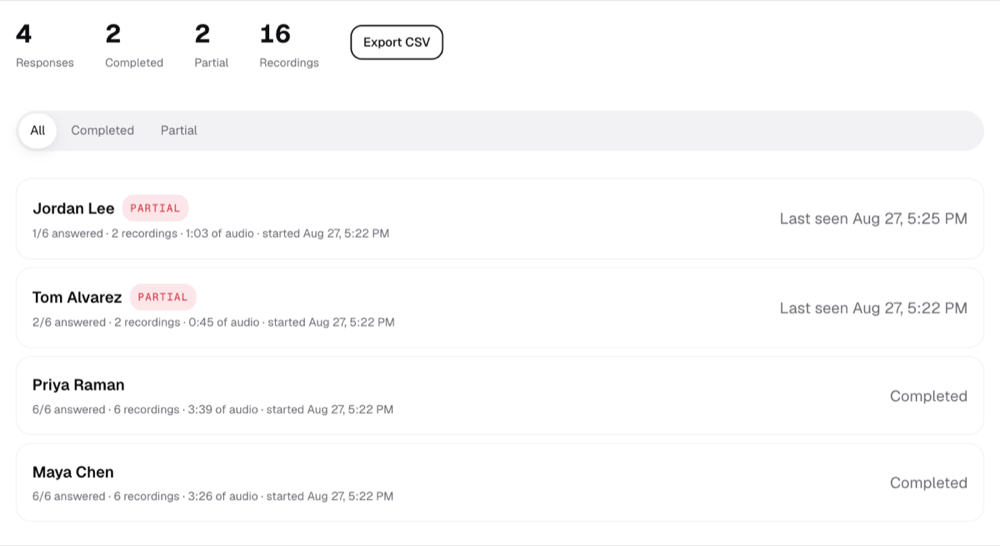
A dashboard listing four responses: two marked partial with one and two of six answered, and two completed with six recordings each.
NOTHING IS WASTED

You get the answers nobody submitted

Every answer is written the moment it is given, never batched at submit. Someone who answers two questions on the train and never comes back is two answers and a timestamp, not an empty row. Partials sit next to finished responses, with the exact question where they stopped.

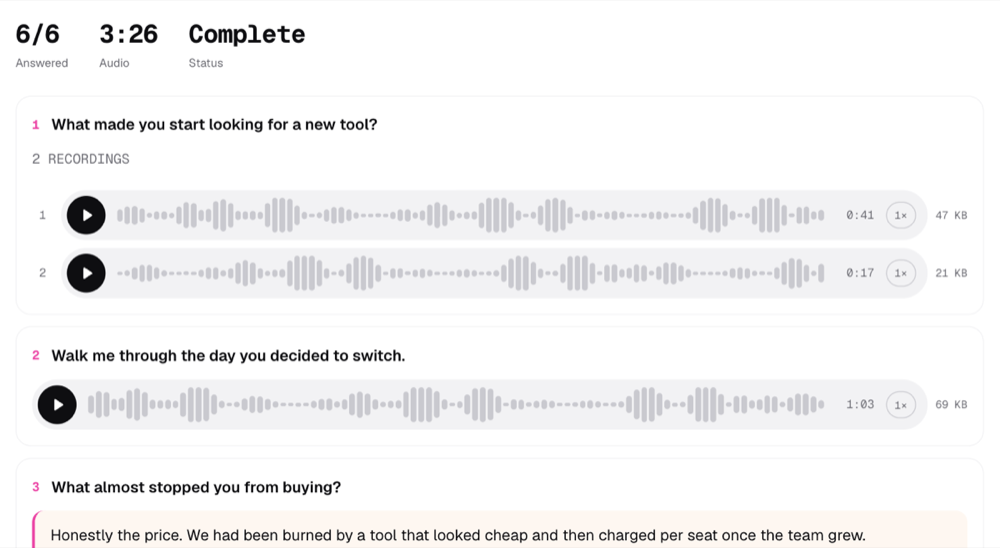
A completed response showing six of six answered, three minutes twenty-six of audio, with waveform players for each recording and a typed answer below.
REVIEW WITHOUT THE MEETING

Listen at double speed, not in real time

Waveforms are drawn when the answer is recorded, so you can see where someone got animated before you press play, and skip to it. Six people reviewed in the time one call would have taken — no diaries to align, no camera, no thirty minutes of being “on”.

ON A PHONE

Built for a link you got in a text.

Most people will open this on a phone, one-handed, somewhere with background noise. So the record button is thumb-sized and sits where your thumb already is, the answer saves the instant it is accepted, and the screen stays awake while the recording runs.

  • One tap to start recording — no permissions dance beyond the browser prompt
  • Pause, resume, play it back, then keep it or throw it away
  • Add a second recording if you remember one more thing
  • Close the tab and reopen the link later; it picks up where you left off
  • Echo cancellation and noise suppression on, because nobody is in a studio
PARTIAL RESPONSES

Half an answer beats no answer.

Most survey tools only show you what was submitted. If someone answers four of your six questions and closes the tab, that is four answers you never see.

Candid Reply writes every answer the moment it is given. Opening the link creates the response; accepting a recording saves it right then. The dashboard shows you who is at four of six, where they stopped, and what they said before they did.

AFTER THE ANSWERS ARRIVE

Reading a hundred answers without reading a hundred answers.

Every recording, transcribed

Transcription starts on its own the moment a clip is uploaded. The audio stays the source of truth — a failed transcript never hides an answer, and the respondent never sees theirs, because reading it back turns a spoken answer into a written one.

Read by question, not just by person

Six answers from one person tells you about that person. Everyone’s answer to question three tells you about the question. A By question tab merges the transcripts into one block, labelled by who said what.

Ask your responses a question

A search bar over every transcript in a survey. Both the question and the answer are saved with the number of responses it was based on, so the next person can read what was already asked.

Export, or drive it from your own tools

CSV with links to the audio. Or an API key and an MCP connector, so Claude — or anything else that speaks MCP — can build surveys and read results without opening the app at all.

READY?

Write six questions. Text the link.

Unlimited surveys and questions on the free plan. No credit card.

Unlimited surveys and questions, free. No credit card.